TSLA381.480-9.57999%
GM76.480-1.24%
F14.3050.115%
RIVN17.1850.095%
CYD44.230-0.485%
HMC28.175-0.595%
TM178.010-1.75%
CVNA67.790-2.87%
PAG201.860-2.88%
LAD334.620-4.54%
AN205.630-3.37%
GPI324.670-6.95%
ABG219.365-7.295%
SAH99.300-3.42%
TSLA381.480-9.57999%
GM76.480-1.24%
F14.3050.115%
RIVN17.1850.095%
CYD44.230-0.485%
HMC28.175-0.595%
TM178.010-1.75%
CVNA67.790-2.87%
PAG201.860-2.88%
LAD334.620-4.54%
AN205.630-3.37%
GPI324.670-6.95%
ABG219.365-7.295%
SAH99.300-3.42%
TSLA381.480-9.57999%
GM76.480-1.24%
F14.3050.115%
RIVN17.1850.095%
CYD44.230-0.485%
HMC28.175-0.595%
TM178.010-1.75%
CVNA67.790-2.87%
PAG201.860-2.88%
LAD334.620-4.54%
AN205.630-3.37%
GPI324.670-6.95%
ABG219.365-7.295%
SAH99.300-3.42%


How to connect your Google reviews to your dealership website: Step-by-step setup guide

google reviews

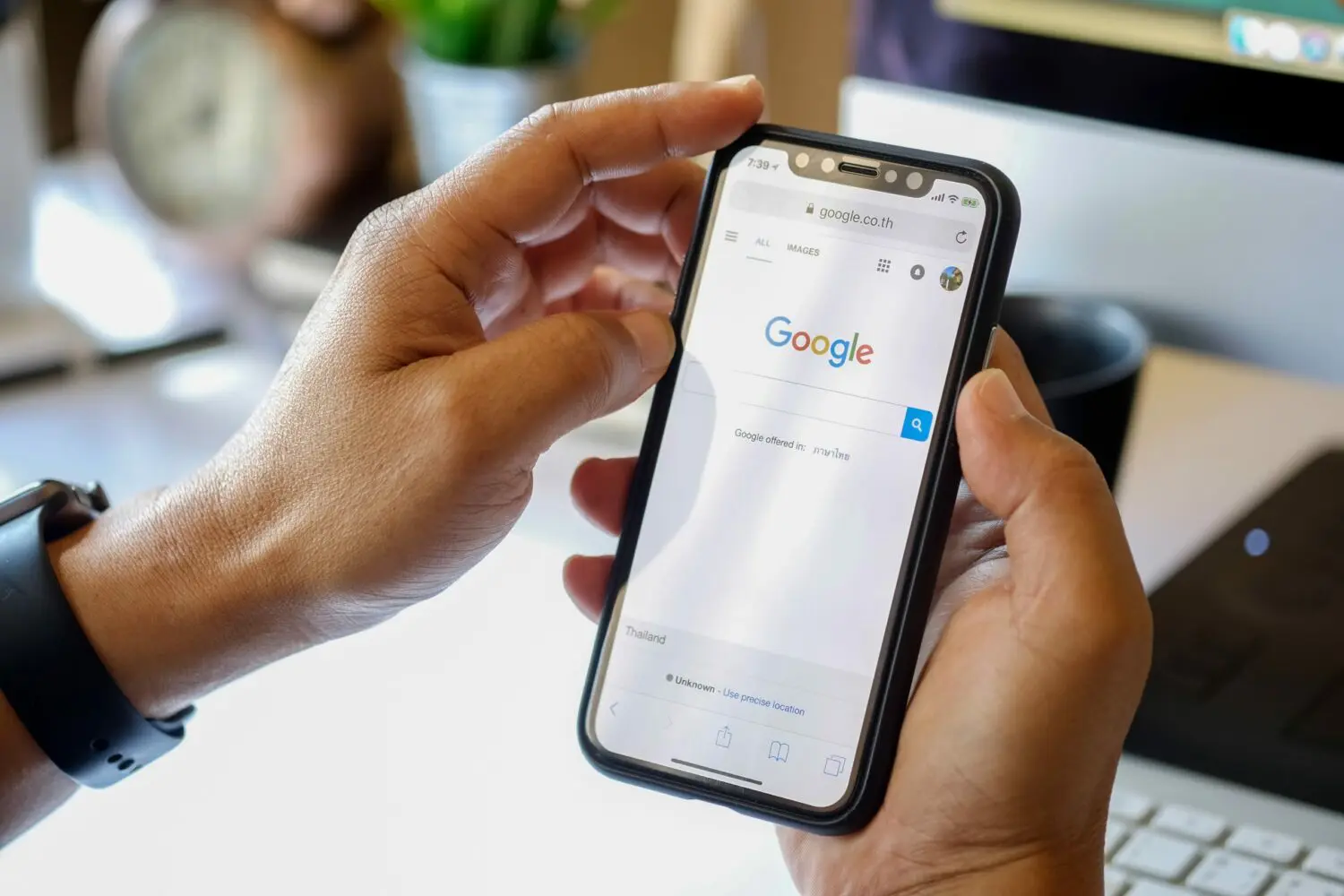
Google reviews are among the most popular and trusted sources for customers looking for feedback about a business. As automotive dealerships strive to stay competitive and remain top-of-mind with customers, displaying customer feedback and Google reviews on their websites is an increasingly beneficial tactic.

They’re so popular that Bright Local says 84% of people trust other customers’ reviews and testimonials as much as they rely on word-of-mouth recommendations. So, dealerships must ensure that consumer reviews are connected to their website. This guide will walk you through connecting your automotive dealership’s Google reviews to your website in just a few simple steps.

Step 1: Establish a Dealership Business Profile with Google Business Profile

The first step is to create an official Google Business profile for your automotive dealership. This should include your location, contact information, operating hours,  product offerings, and other relevant information. You can also upload photos and respond to customer reviews here.

Step 2: Copy Your Business Link

Once you have your business profile set up, the next step is to copy your business link from your Google Business profile. This will be used later when integrating your automotive dealership’s reviews with its website.

Step 3: Install a Google Reviews Widget

Now that your automotive dealership’s business link is handy, it’s time to install a widget for displaying reviews on your website like this one from embedsocial. You can find other widget options here. The widget should be installed in the sidebar or footer of your automotive dealership’s website to appear on every page (not just the homepage).

auto manufacturer website satisfaction J.D. PowerMore: Auto manufacturer websites becoming more important to vehicle shoppers, J.D. Power finds

Step 4: Customize the Widget

At this point, you can customize the widget’s appearance on most of the widgets by adding your automotive dealership’s logo and other branding elements. You can also adjust the settings to show only five-star reviews or a certain number of reviews for each page.

Step 5: Connect Your Business Link

Finally, connect your automotive dealership’s business link from Google Business to the widget on your website. This will pull up all the reviews associated with that account so that customers can easily read through them without leaving your automotive dealership’s website.

And there you have it – now your automotive dealership’s Google reviews are connected to its website! By taking a few extra steps to set up this integration, automotive dealerships can provide a more comprehensive and reliable customer experience, assuring customers that they are making the right decision when considering automotive purchases.

Step 6: Engage with Your Reviewers

To ensure that your dealership is making the most out of its Google reviews, engaging with customers who have left feedback is essential. According to consumers, businesses that respond to reviews are viewed as 1.7X more trustworthy than businesses that don’t (76% vs. 46%). 

Therefore, responding to customer reviews can go a long way in building trust and credibility and highlighting exceptional customer service. If you need assistance responding to positive and negative reviews, Google has a helpful guide here.

By following these steps, automotive dealerships can easily connect their Google reviews to their website and provide a better customer experience.

And remember that by displaying your automotive dealership’s ratings and reviews on your website, you’ll also improve your site’s search engine rankings – resulting in increased organic visibility and better chances of success online. So, utilizing customer feedback is an easy way to strengthen trust with potential customers and demonstrate why your dealership is the best choice for their needs.


Did you enjoy this article? Please share your thoughts, comments, or questions regarding this topic by connecting with us at newsroom@cbtnews.com.

Be sure to follow us on Facebook, LinkedIn, and TikTok to stay up to date.

While you’re here, don’t forget to subscribe to our email newsletter for all the latest auto industry news from CBT News.
More from Daily Automotive News
Flock cameras update: Errors keep happening, cities are dropping contracts – but new players are taking over

Flock cameras update: Errors keep happening, cities are dropping contracts – but new players are taking over

- July 17, 2026
We’ve covered Flock cameras before, the automated license plate readers were expanding fast, sold as a precision crime-fighting tool. The update is less reassuring. Fresh mistakes are still occurring, including...
2026 Lincoln Navigator raises the luxury SUV bar with tech, power, and comfort

2026 Lincoln Navigator raises the luxury SUV bar with tech, power, and comfort

- July 17, 2026
The full-size luxury SUV market is more competitive than ever, but the 2026 Lincoln Navigator continues to carve out its place by focusing on what buyers in this segment actually...
Your new car now comes with a camera pointed at your face. Europe just made it mandatory

Your new car now comes with a camera pointed at your face. Europe just made it mandatory

- July 15, 2026
Imagine buying a brand-new vehicle and discovering it comes with a camera pointed at the driver. It is designed to watch you every time you drive. Not the road. Not traffic. Just...
Ed Morse Automotive Group Acquires Mercedes-Benz of Billings

Ed Morse Automotive Group Acquires Mercedes-Benz of Billings

- July 13, 2026
Ed Morse Automotive Group acquired Mercedes-Benz of Billings from DMN Holdings in a transaction that closed on July 8, 2026. The acquisition marks the group's first dealership in Montana and...
CBT News
Privacy Overview

This website uses cookies so that we can provide you with the best user experience possible. Cookie information is stored in your browser and performs functions such as recognising you when you return to our website and helping our team to understand which sections of the website you find most interesting and useful.